
Introduce about AI Enlarger
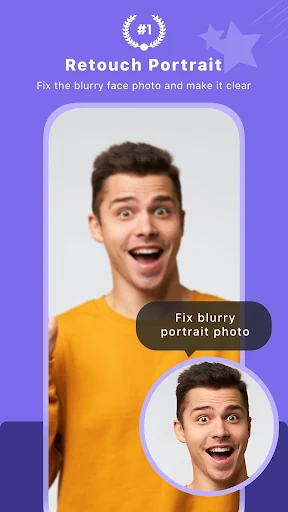
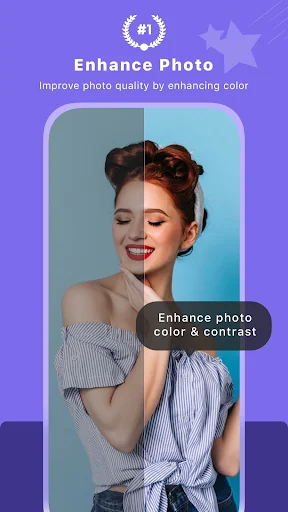
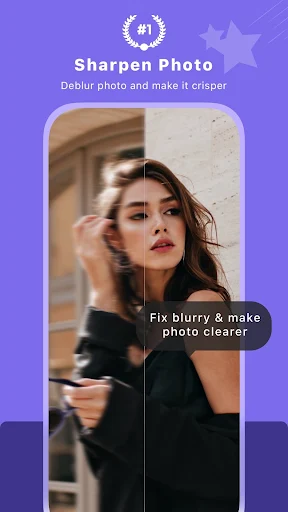
AI Enlarger is an image editing application from publisher Vertexshare Software Ltd, developed to support users to enlarge photos while still maintaining sharp quality. Instead of making photos broken or blurry like conventional tools, this application uses artificial intelligence technology to intelligently process each detail in the photo. Thanks to that, the upgraded image looks clearer and more natural.
Immediately after opening the application, users can upload photos, choose the zoom level such as 2x, 4x or 8x, then the system will automatically process and return the results quickly. The application supports any type of standard photo or photo of anime, giving a rich experience used for many different reasons. Additionally, the intuitive interface designed in the app makes sure beginners have no problem using it.
Along with the free version, users have the option to select an upgrade package to remove limitations, and also use some advanced features. The ability to delete photos after 24 hours is also a nice security option. All in all, this is a nice, simple tool and should be useful for many users.
Enlarge photos with advanced AI technology
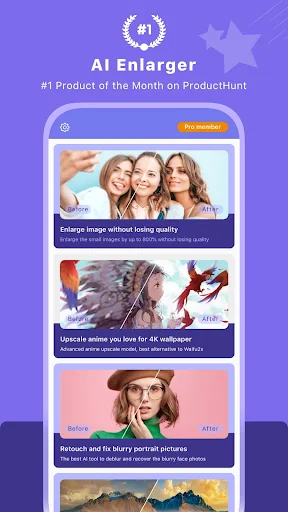
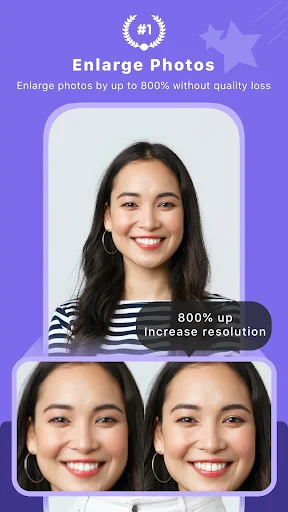
One of AI Enlarger’s most impressive aspects is the ability to enlarge images without ruining the image. The app uses AI technology that analyzes every detail in the original image. Then it predicts and recreates areas of the image that are missing or unclear so the enlarged image can keep its natural sharpness and depth.
Users get to choose the zoom level they need, 2x, 4x and even 8x. It processes everyday photos and anime photos, generating results that are clear, less noisy and don’t lose small details like other photo enlargement products.
This is a huge plus if you want to print your photos in large size, use them in wallpapers or display them on social networks while maintaining stunning quality.
Once your image is processed, they send it to a private server to provide you with speed whilst ensuring accuracy in the prediction. Within a matter of a few dozen seconds, you will have a clear enlarged version of the photo to use for many other purposes.
Support for processing anime and cartoon photos
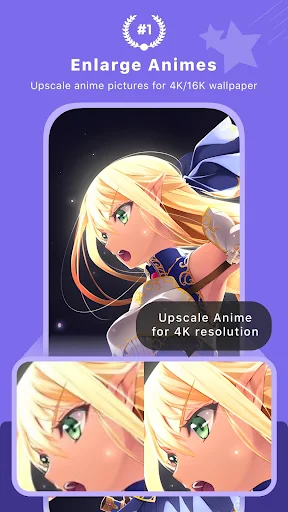
In addition to regular photos, AI Enlarger is also optimized for processing anime and cartoon photos. These types of photos have a distinctive illustration style, clear lines, and high contrast. Therefore, not all enlargement tools can maintain that characteristic when expanding the image size. AI Enlarger has solved this problem very effectively with its own algorithm for animated photos.
When users upload an anime image, the application will automatically apply the appropriate processing mode to maintain clear edges, accurate colors, and intact composition. Every detail such as eyes, hair, background, or outline is reproduced sharply after enlargement. This helps users create large prints, high-quality wallpapers, or serve design projects related to animated characters.
Ensuring privacy and data security
With personal information security in the digital age at great risk, AI Enlarger takes this issue very seriously. AI Enlarger actually promises to delete all the photos you upload after 24 hours. Therefore, items user’s uploaded photo will not remain in storage forever, nor can it be shared with someone other than the user without the user’s consent.
The photo processing is performed on Vertexshare’s private cloud system. However, no personally identifiable information is stored with the photos, and the entire process is automated. This creates peace of mind for users, especially with photos containing sensitive information or used for private work.
In addition, the application does not require deep access to memory, contacts or location, unlike many current photo editing apps. It is this transparent approach and limited permissions that make AI Enlarger more trustworthy in the eyes of users.
Simple, easy-to-use interface
It can be seen that AI Enlarger is designed with the goal of simplicity and convenience. The application interface is neatly arranged, the main operations such as uploading photos, selecting the zoom level and receiving results are clearly shown by icons and concise instructions. First-time users can still operate proficiently after just a few minutes of getting used to it.
After launching the application, you only have to choose the photo to be enhanced, choose the zoom factor, and press the start button. The application will show you a “task ID” so you can monitor the processing. You will then be notified when your photo is ready and you can download the photo right onto your device. The whole process has been really convenient and easy enough that we don’t have to worry about any confusion even if things aren’t always clear for our less-than-at-ease digital age seniors.
Download AI Enlarger MOD APK for Android
In conclusion, AI Enlarger is a great option for anyone looking to enlarge photos all while keeping them crisp and detailed. It has modern AI technology, a user-friendly interface, and it has made a commitment to protect data – everything to make the overall experience simple and efficient.
App Information
| App Name | AI Enlarger |
|---|---|
| Publisher | Vertexshare Software Ltd |
| Genre | Photography |
| Size | 32 M |
| Update Time | 1970-01-21 |
| Latest Version | v3.4.1 |
| MOD Info | Pro Unlocked |
| Get it On |

|