

Introduce about Game Booster Pro
Game Booster Pro is a game support application developed by Scoteam, suitable for those who are looking for ways to optimize the experience when playing on mobile devices. This application acts as a separate game launcher, helping you open games faster and easier. Instead of having to search for each game title in the application list, you can add them to Game Booster Pro and access them with just one touch. This is a convenient point that helps save time and reduce unnecessary operations.
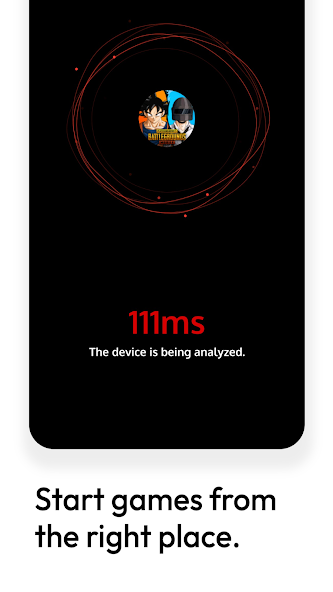
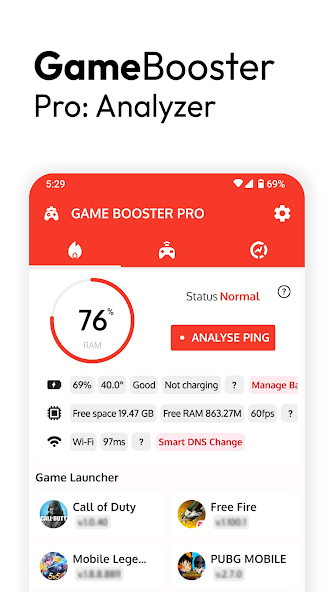
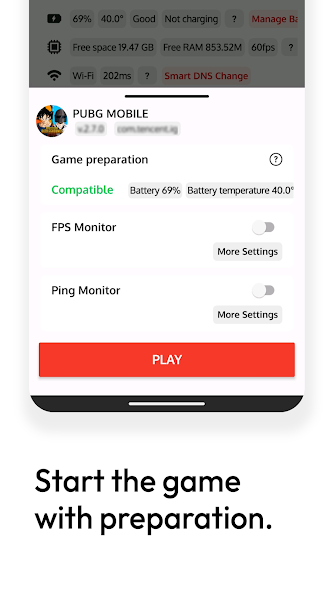
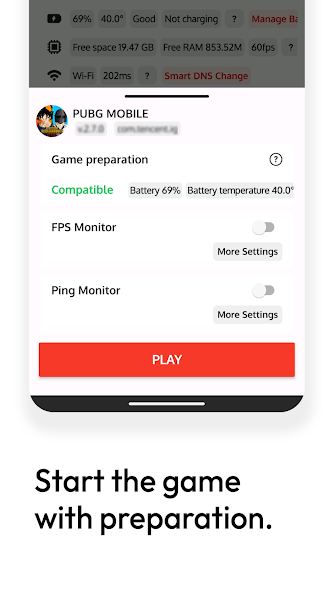
Along with launching quickly, the app will present you with tools such as measuring FPS index and checking for network ping, which can help you identify where the lag or stutter came from – the device or the connection. And before you start playing – the app will check the battery level and check the device status also to make sure you play in stable conditions.
Dedicated game launcher, easy to operate
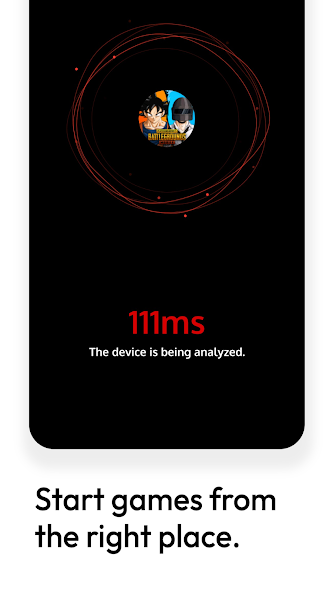
Game Booster Pro acts as a “control center” dedicated to games on the phone. As soon as you open the application, you can quickly add your favorite games to the list, then access them at any time without having to manually search on the home screen. This is extremely convenient, especially if you have many installed games or want to separate the gameplay from other applications.
The game interface is cleaner and easier to organize using a separate launcher. Furthermore, Game Booster shows battery level, device performance and connection status right before you launch a game. This information is crucial for preparing the player and doing everything possible to prevent lag during a match. This dedicated launch feature does not change the gameplay of the game, but brings convenience and clearer control to users.
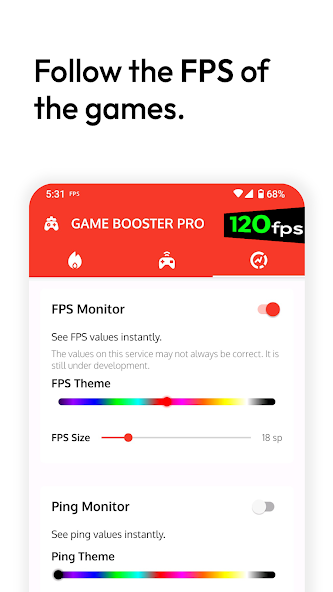
Monitor frame rate (FPS) when playing games
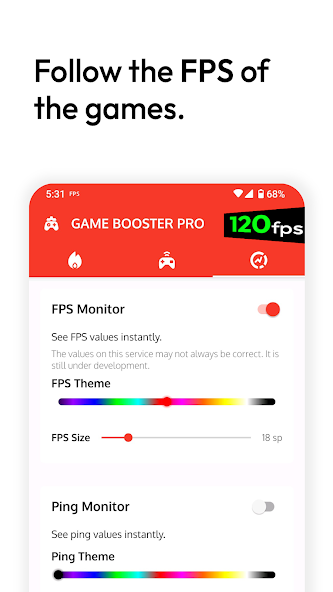
One of the most notable functions that Game Booster Pro delivers is the real-time FPS functionality. FPS stands for “frames per second” – the number of frames per second, which represent the smoothness of the game display. Games that involve quick reflexes like shooting, racing, or action fighting, a stable FPS is important for the overall experience.
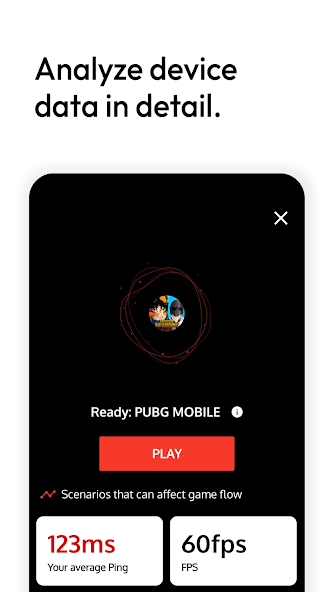
When you enable this, you can view the frame rate being displayed right from the screen while you are playing. If the FPS is dropping abnormally for any reason, this indicates that there may be an overload on the device, or that the connection is unstable. From here, you can change the graphics in the game, or close any background applications to help improve performance. This feature does not directly interfere with the hardware but helps players proactively recognize the operating status of the device.
Check ping and analyze network connection
Game Booster Pro integrates a latency analysis feature (ping) to help users evaluate the quality of the network connection before entering the game. Ping is a factor that directly affects the response when playing online games, especially in real-time games such as shooting, strategy or competitive sports. With this tool, you can check the average ping, the highest and lowest ping in each measurement.
If you see an unusually high latency, you will know whether the problem is with the Wi-Fi network or mobile data, thereby choosing a more stable connection. The network analysis feature also helps display current DNS information and response speed from the game server. This is a good support tool for gamers who are experiencing lag and delay but do not know the cause. Knowing the connection status in advance will help you avoid interrupted matches or lose advantages when competing in rankings.
Automatic DNS optimization helps reduce lag when playing online
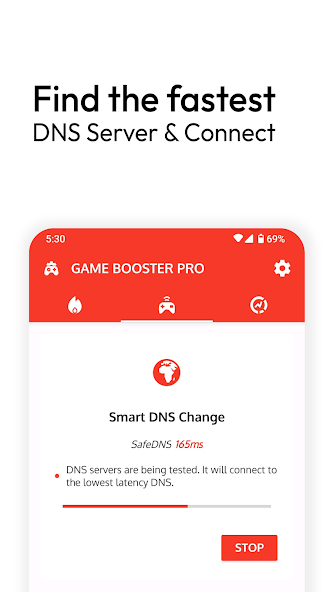
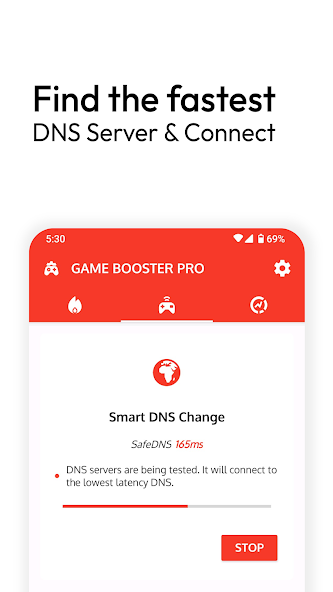
Another very good thing about Game Booster Pro, is the automatic DNS testing and switching feature – DNS is a network routing system that helps with connecting to the server faster. When playing online (especially games with servers in multiple regions), the default DNS can create latency. The application will scan through the list of popular DNS and select the server with the lowest response speed.
DNS switching is done through an internal VPN service, without affecting personal security or changing the device IP. Thanks to that, you can minimize connection latency, especially in games that require fast response. This process is completely automatic and can be turned off at any time if you want to return to the original configuration. This is an effective network support solution, suitable for online gamers who often experience high ping or unstable connections.
Download Game Booster Pro MOD APK for Android
In summary, Game Booster Pro is a product probably for gamers in order to track their game performance by providing the ability to launch games, monitor FPS, ping, and automatically select the best DNS. While it doesn’t improve your performance at the hardware level, it is a very handy application for you to quickly see the reason for lag and take appropriate actions.
App Information
| App Name | Game Booster Pro |
|---|---|
| Publisher | Scoteam |
| Genre | Tools |
| Size | 6 M |
| Update Time | 2026-01-12 |
| Latest Version | v3.8.1rs |
| MOD Info | Pro Unlocked |
| Get it On |

|