
Introduce about OneUI 8 Dark Icon Pack
OneUI 8 Dark Icon Pack is an icon set designed specifically for users who love a minimalist and modern interface style on Android. The application is developed by AppixoStudio, inspired by Samsung’s One UI 8 interface but covered with a subtle dark background, suitable for the trend of using AMOLED screens or popular black background themes today.
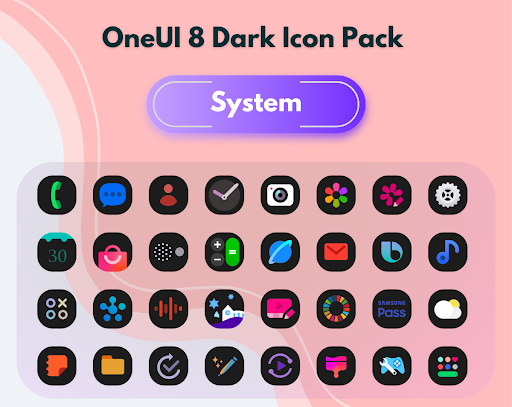
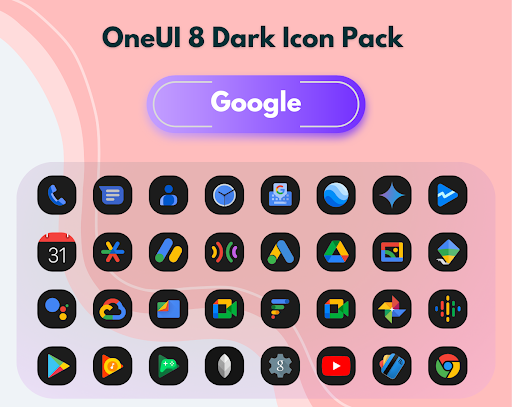
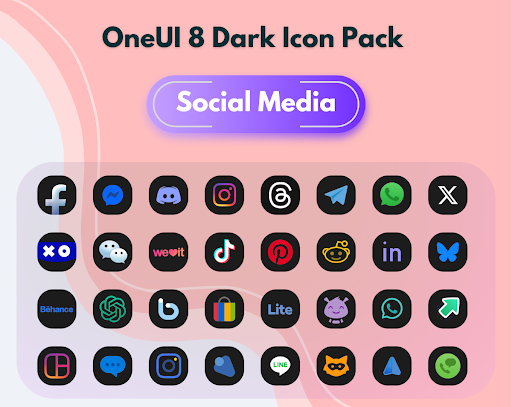
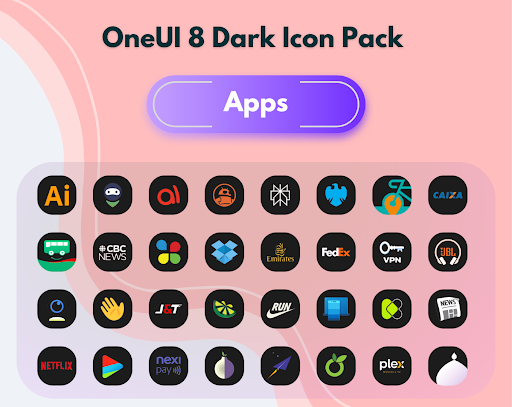
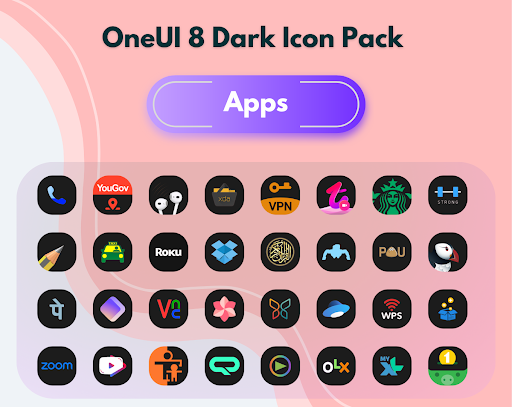
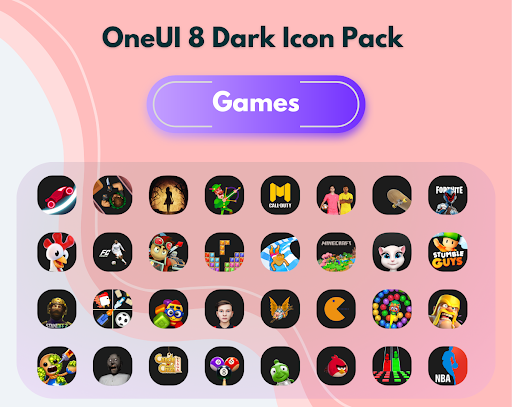
After installation, users will have more than 2,800 high-resolution icons to apply to the home screen and application drawer. Each icon is neatly rounded, with a light color scheme to stand out on a dark background. This synchronized interface makes the phone look neater and more luxurious while still being easy to identify the application.
OneUI 8 Dark also integrates a library of cloud wallpapers with similar themes, allowing users to select and apply quickly. In addition, the application is compatible with many popular launchers such as Nova, Lawnchair, Apex… so it is very flexible to use. If you are looking for a solution to refresh your phone screen in a modern Samsung style and prefer a dark background, this is the right choice to start.
Minimalist design in the style of One UI 8 dark background
OneUI 8 Dark Icon Pack brings more than 2,800 icons designed in a modern, neat style and in harmony with Samsung’s One UI 8 interface. However, the special thing is that all the icons are customized to match the dark background, making the interface more elegant and gentle on the eyes. The icons use neutral tones, combining light black, dark gray and bright details to increase recognition without causing glare.
Thanks to the dark background feature, this icon set works very effectively on AMOLED screens, helping to save more battery than traditional light backgrounds. Each icon is rounded, the layout is clear, easy to see and synchronizes well with many system and third-party applications. For users who want a consistent and modern interface in Samsung style but not too cumbersome, this is the right choice to create a neat feeling, while still being personal when using.
Regular updates, dynamic calendar support
One of the great advantages of OneUI 8 Dark Icon Pack is the long-term support and continuous updates from the developer. The app doesn’t stop at a fixed icon set, but new icons are added regularly according to user demand. If your device has an app that isn’t supported yet, you can submit a request and the icon will be added in the next update. This approach creates a sense of two-way interaction, making users feel secure when purchasing the app.
In addition, the application also integrates a dynamic calendar feature. When you use supported launchers, the calendar icon on the screen will display the actual date and time. This creates a lively interface, instead of a static icon like other icon sets. Along with that is a cloud wallpaper library, carefully selected with a dark tone that harmonizes with the icon set.
Easy to use, compatible with many popular launchers
OneUI 8 Dark Icon Pack is capable of operating stably on many current Android launchers. The application is compatible with popular launchers such as Nova Launcher, Lawnchair, Smart Launcher, Apex, Hyperion and many other options. Thanks to that, users do not need to change the launcher just to use this icon set, making the application more convenient and time-saving.
After installation, you just need to open the application and select the launcher you are using from the available list. The application will automatically redirect to the icon application interface, you just need to confirm to complete. The interface of OneUI 8 Dark is also very intuitive, easy to find icons, preview sample icons, or access the icon request section if there is an application that does not support it.
In addition, because the icons are designed in a uniform rounded form, when applied to different launchers, they still maintain synchronization and do not break or lose sharpness. This is a plus point that helps the icon set maintain stable quality on many different devices and Android versions.
Compatible with many launchers
OneUI 8 Dark Icon Pack is highly appreciated for its compatibility with most popular launchers on Android today. Users can apply this icon set on Nova Launcher, Lawnchair, Apex, Action Launcher, Hyperion, Smart Launcher, Niagara and many other options without encountering display errors. Thanks to this flexibility, you do not need to change the default launcher just to use the icon set.
The process of applying icons is also very simple. After installation, the application provides a list of compatible launchers, you just need to select and confirm for the icon set to be applied immediately. For launchers that do not directly support, users can still manually assign icons to each application, ensuring the interface is always synchronized.
Download OneUI 8 Dark Icon Pack MOD APK for Android
OneUI 8 Dark Icon Pack is perfect for anyone who appreciates a minimalist interface, but wants it to still feel modern and luxurious. It has a beautiful unified design, frequent updates and is compatible with a wide variety of launchers. The icon pack allows you to personalize in a chic and cohesive way.
App Information
| App Name | OneUI 8 Dark Icon Pack |
|---|---|
| Publisher | AppixoStudio |
| Genre | Personalization |
| Size | 41 M |
| Update Time | 2026-01-12 |
| Latest Version | v1.9 |
| MOD Info | Paid/Patched |
| Get it On |

|